The ZenEdge Discord
Three memberships, each joined through Whop. Pick yours, and every step of joining is below with the real screens.
Edge Pass
$10 a month
Join with Edge PassOne Chart Reading Session at $225, once. The normal price is $375.
- Real chart posts and market thoughts, posted in real time as I read the market.
- Member Q and A, and a same day reply from me on market days.
- Cancel anytime through Whop.
Edge Builder
$100 a year, ten months' price
Join with Edge BuilderOne Chart Reading Session at $225, once. The normal price is $375.
- Everything in Edge Pass.
- My chartmaster3000 TradingView layout.
Edge for Life
$400 paid once
Join with Edge for LifeYour first Chart Reading Session included, your next at $225, then the normal $375.
- Everything in Edge Builder, for life.
To book your session, message @chartmaster3000 from inside the server.
What shows up in the server
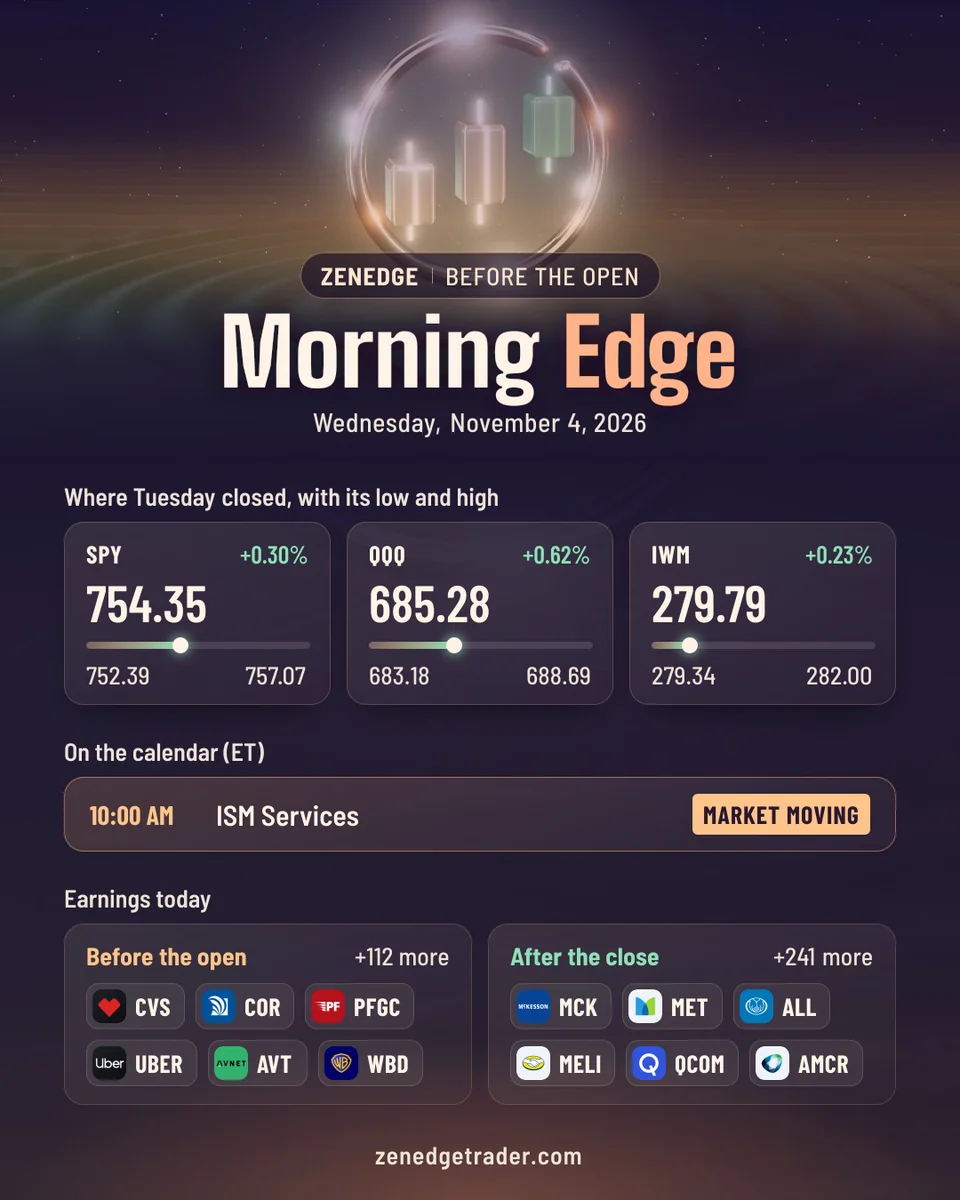
The Morning Edge
Every market morning before the open: where the index funds closed, what's on the economic calendar, and who reports earnings.
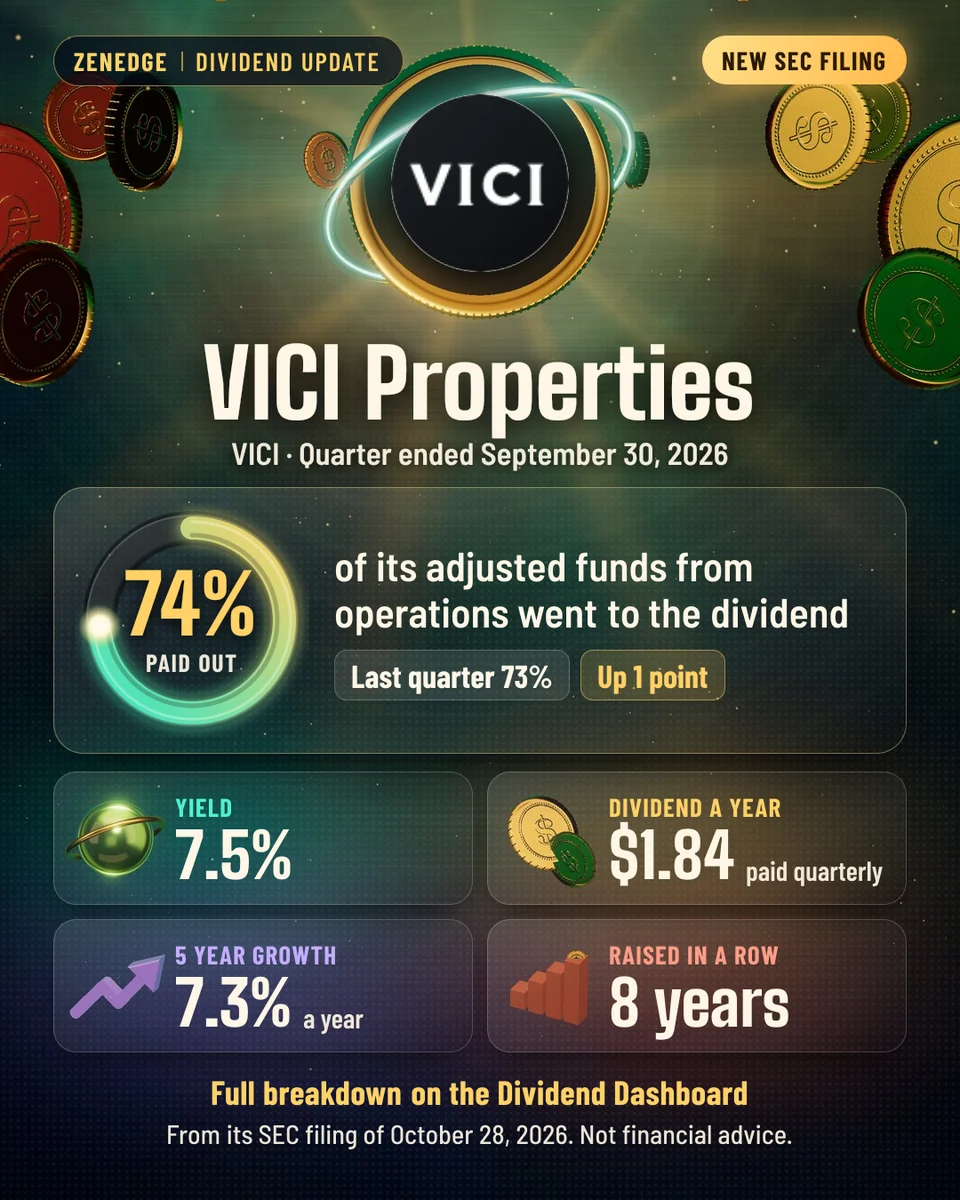
Dividend updates
When a company I track for the Dividend Dashboard files its quarter: how much of its cash went to the dividend, the numbers beside it, and the SEC filing one tap away.
Four steps, from Whop into the server
Step 1. Pick your membership
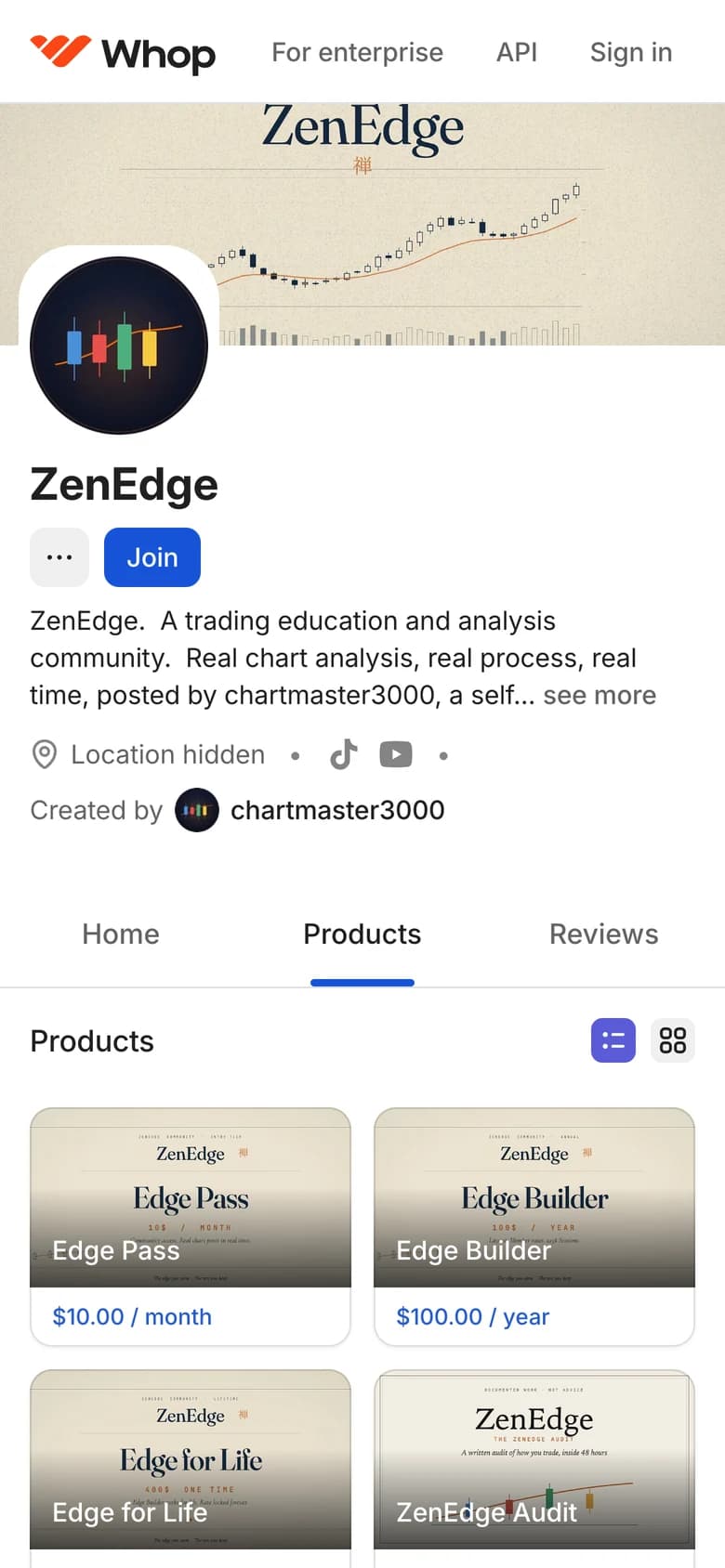
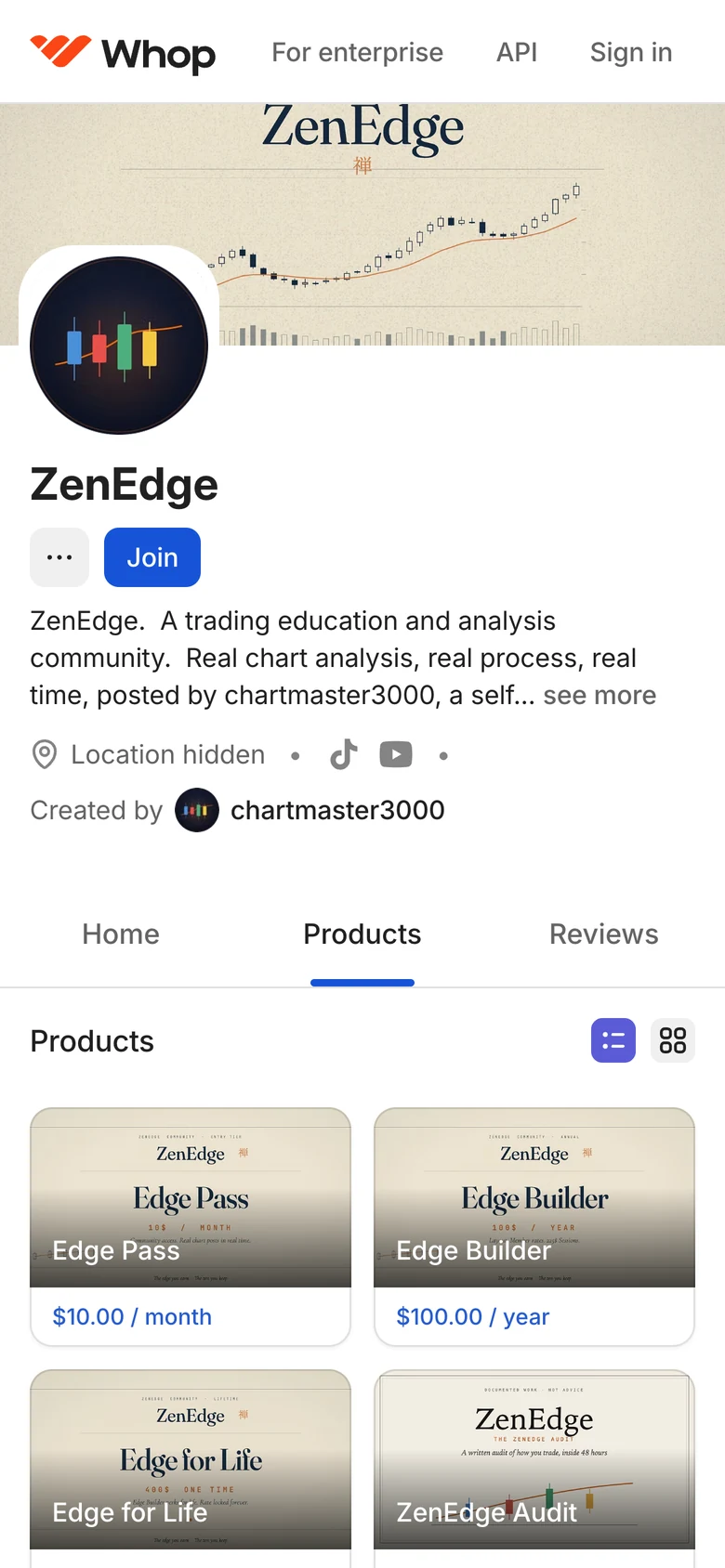
1aOpen the ZenEdge store on Whop. Press Products. Tap the membership you want. 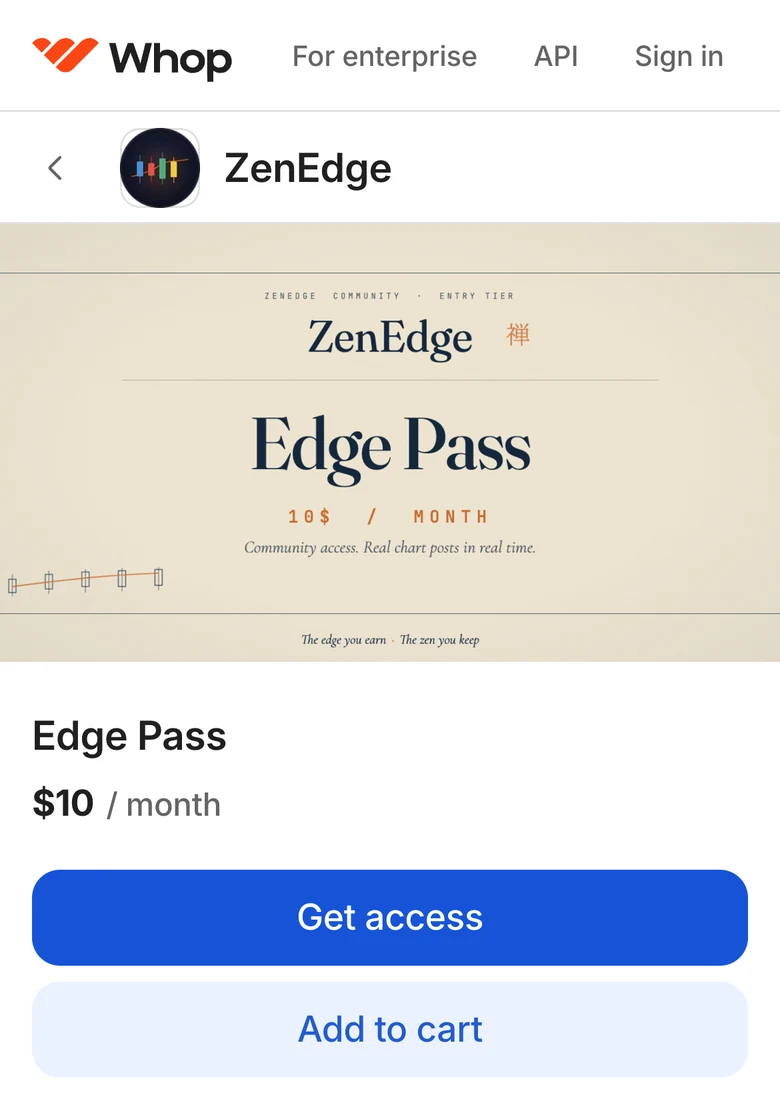
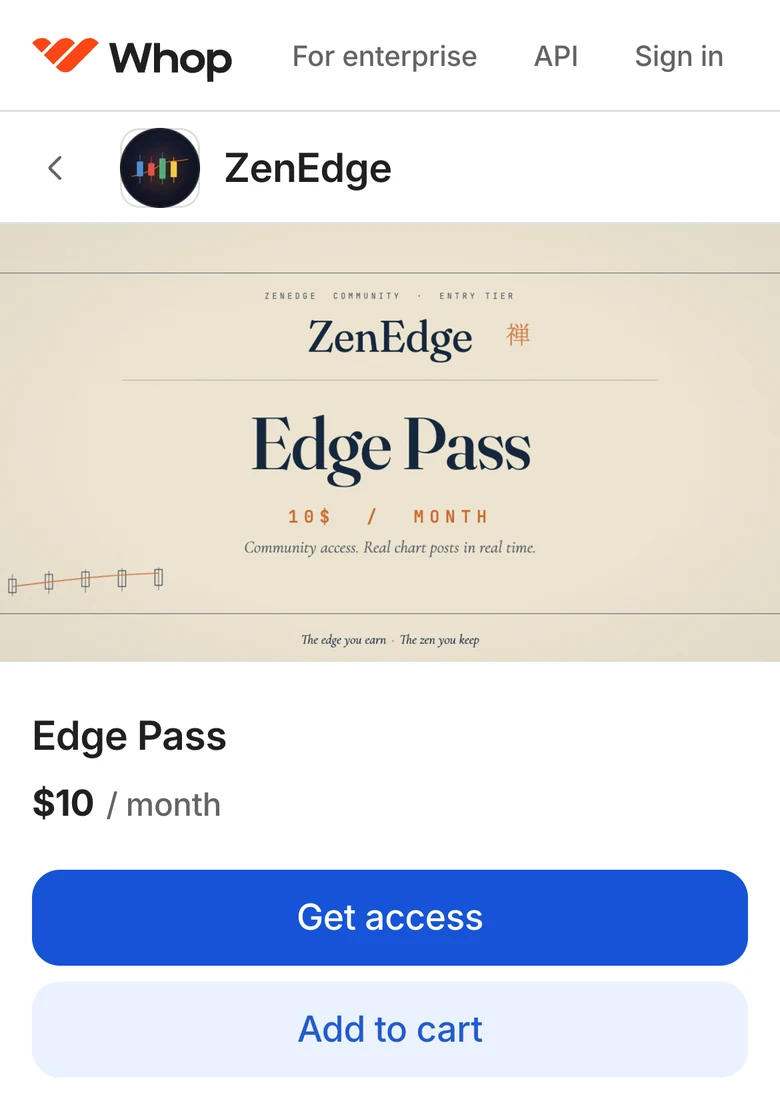
1bIts page opens, with the price. Press Get access. On Edge for Life, the button says Buy now. Step 2. Pay on Whop's checkout
Whop handles the payment. Paying means you agree to the terms.
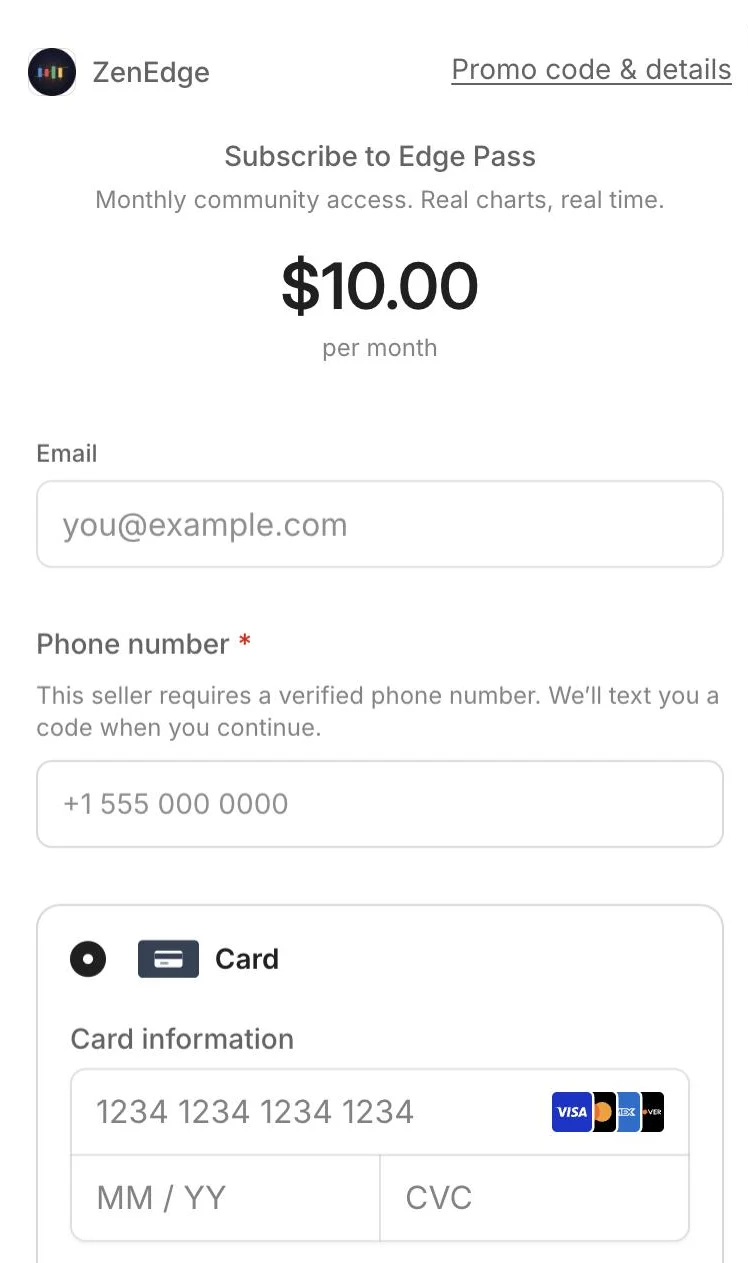
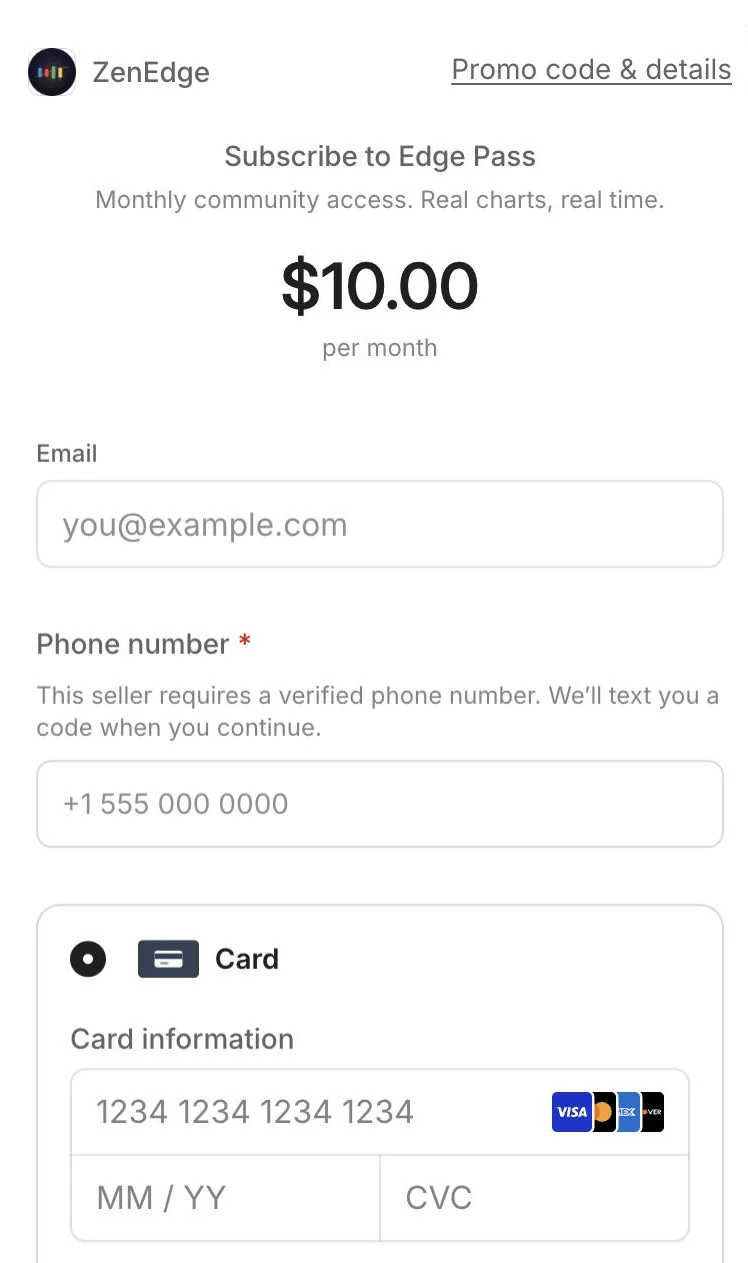
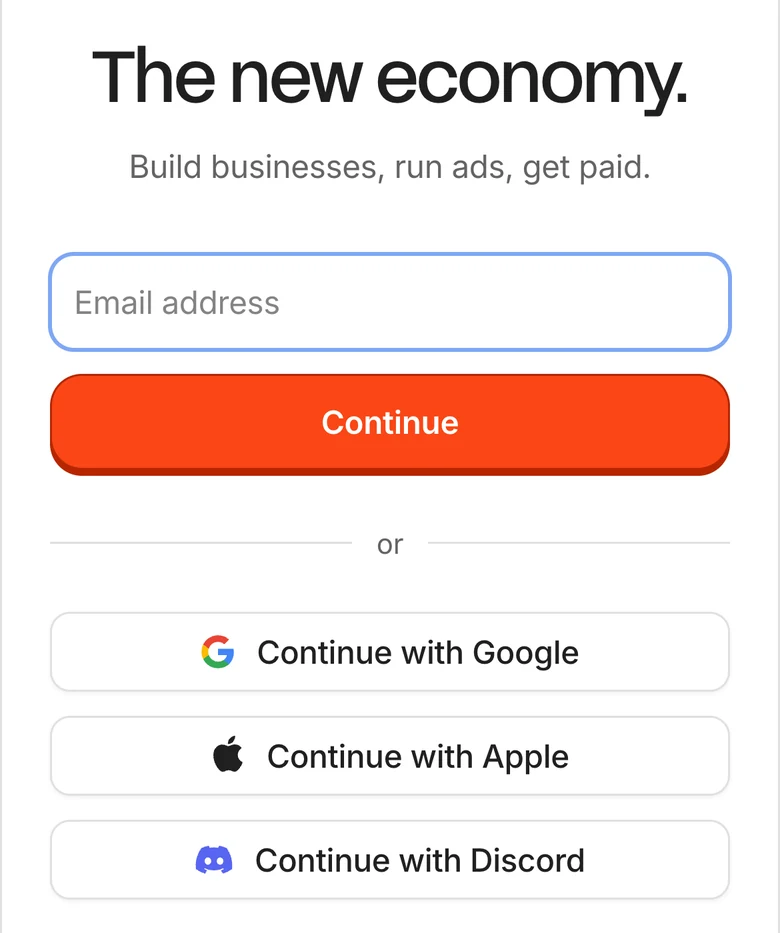
2aType your email. Type your phone number. Whop texts a code to it: type that code when Whop asks. Then pay by card, or another way Whop lists. 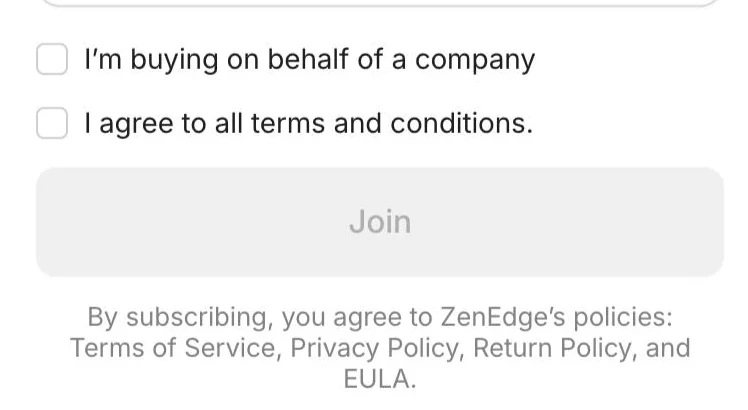
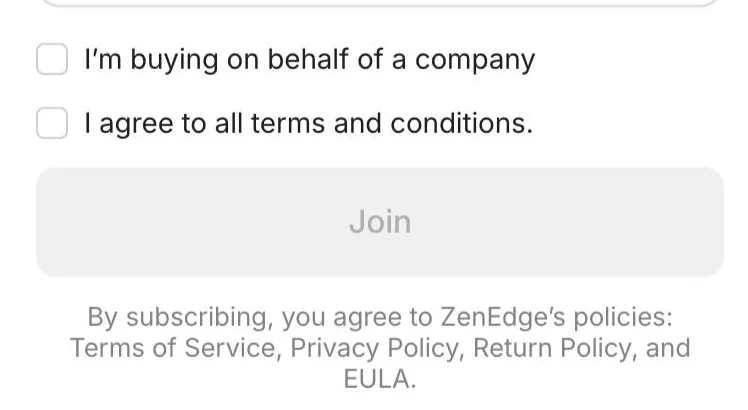
2bTick I agree to all terms and conditions. Press Join. Step 3. Open ZenEdge on Whop
Once you've paid, Whop sends you an email from ZenEdge via Whop, with Order Confirmation in the subject. Press its link to open ZenEdge on Whop. No email? Sign in at whop.com with the email you paid with. Pick ZenEdge under Joined memberships.
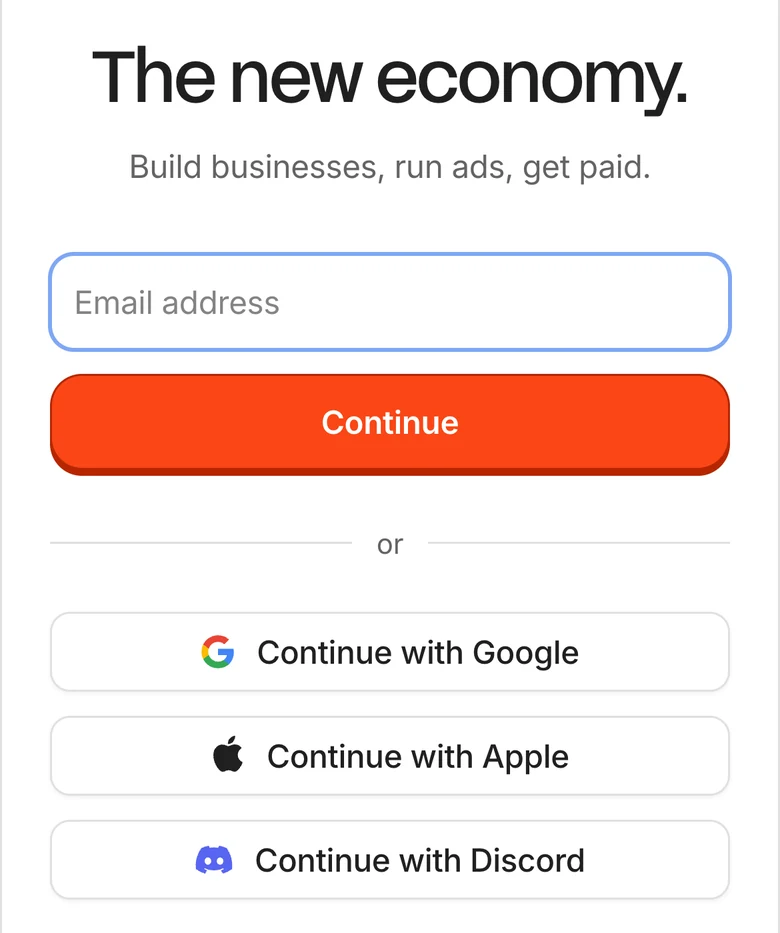
3aIf Whop asks you to sign in, use the email you paid with. 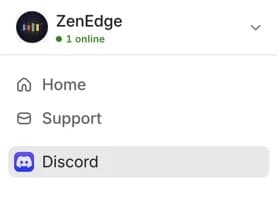
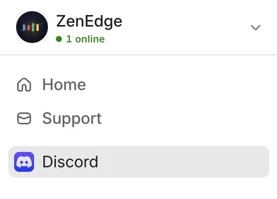
3bIn ZenEdge, press Discord in the menu. No menu? Open it from the top left corner. Step 4. Link your Discord and claim access
You need a Discord account for this. If you don't have one yet, make one at discord.com first.
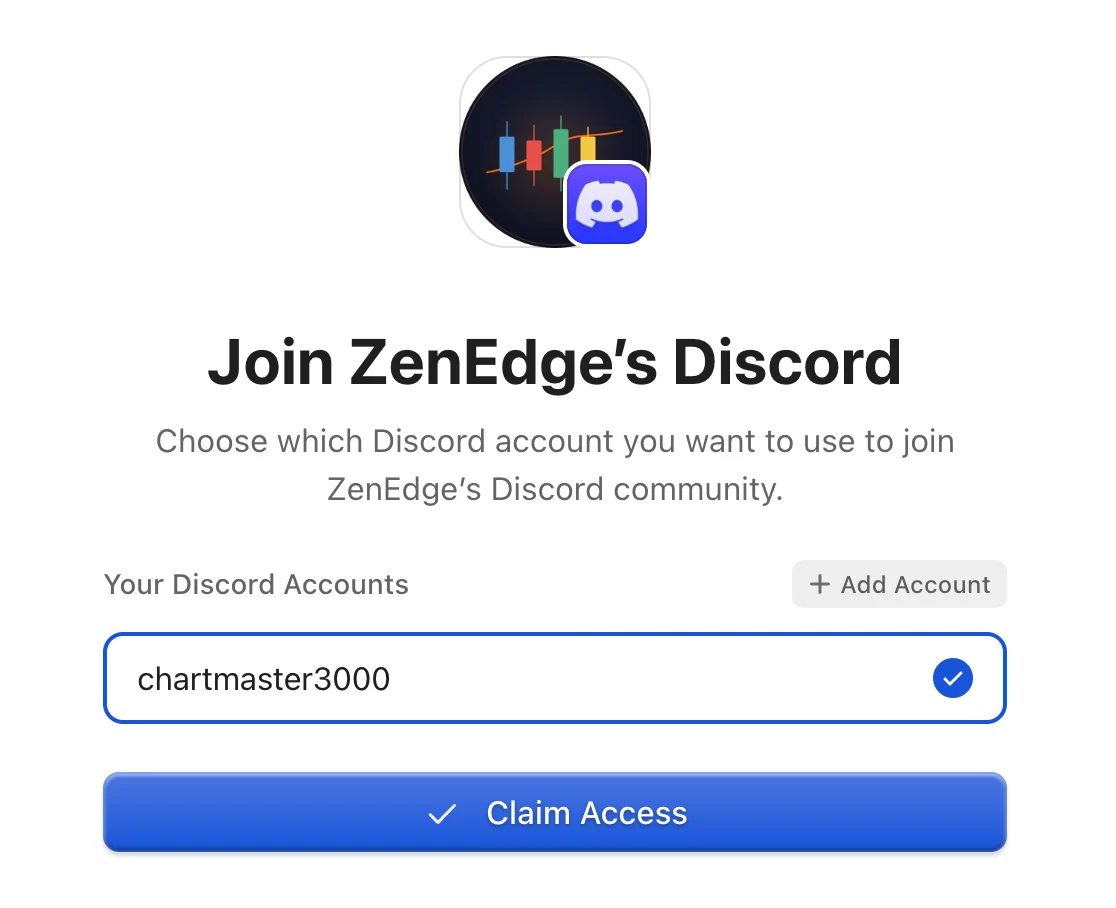
4aPress Add Account. Discord opens. Sign in to Discord if it asks. 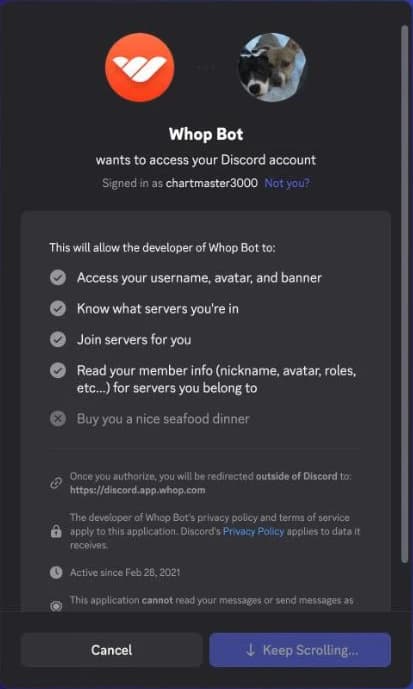
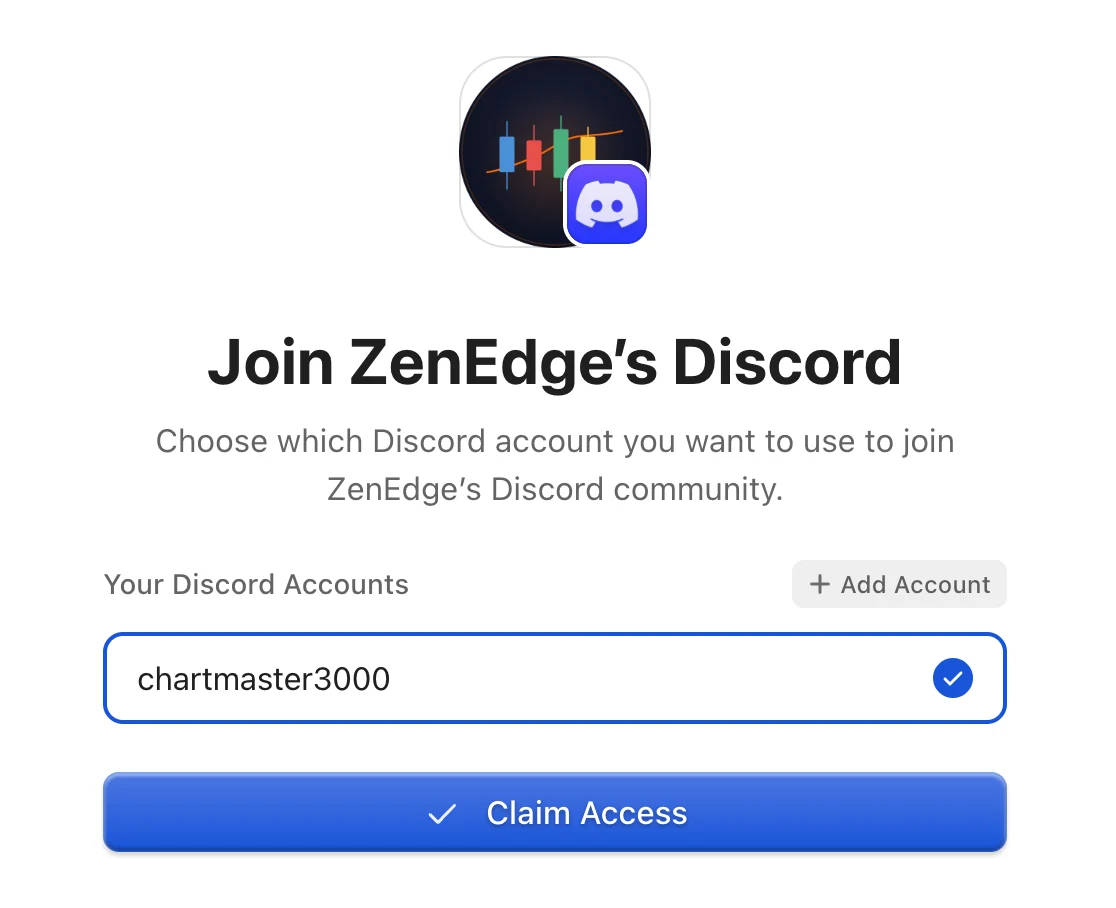
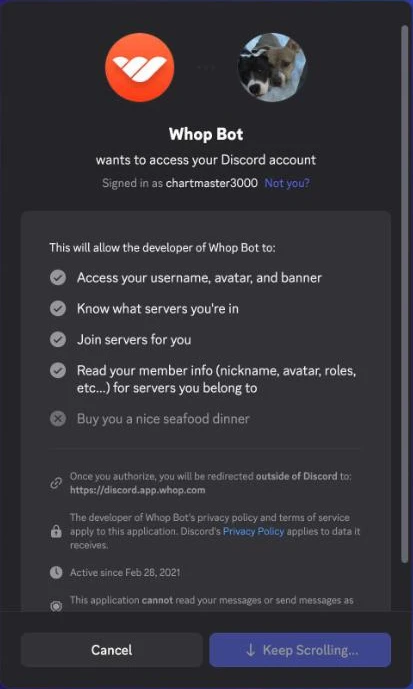
4bDiscord asks to let Whop Bot in. Scroll to the bottom, until Keep Scrolling... turns into Authorize. Press Authorize. Back on Whop, pick your account. Press Claim Access. Then you're in the server
Whop opens Discord and your channels are already in your list. From then on ZenEdge is in your Discord, on your phone and your computer.
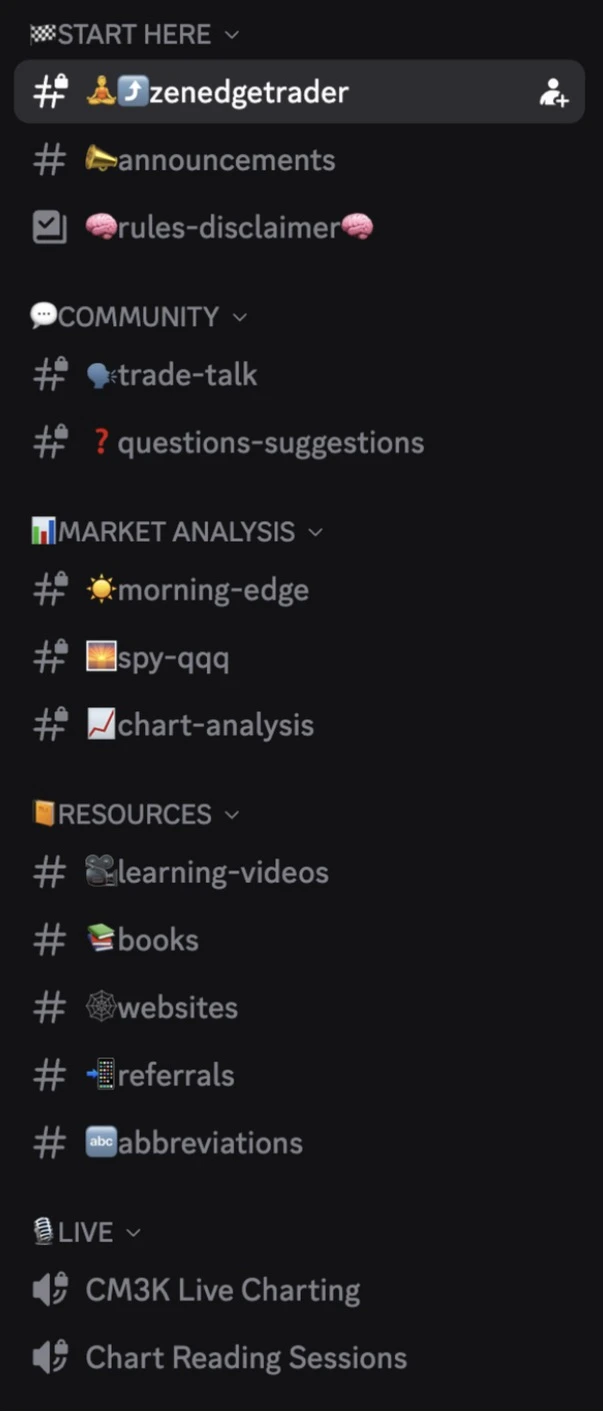
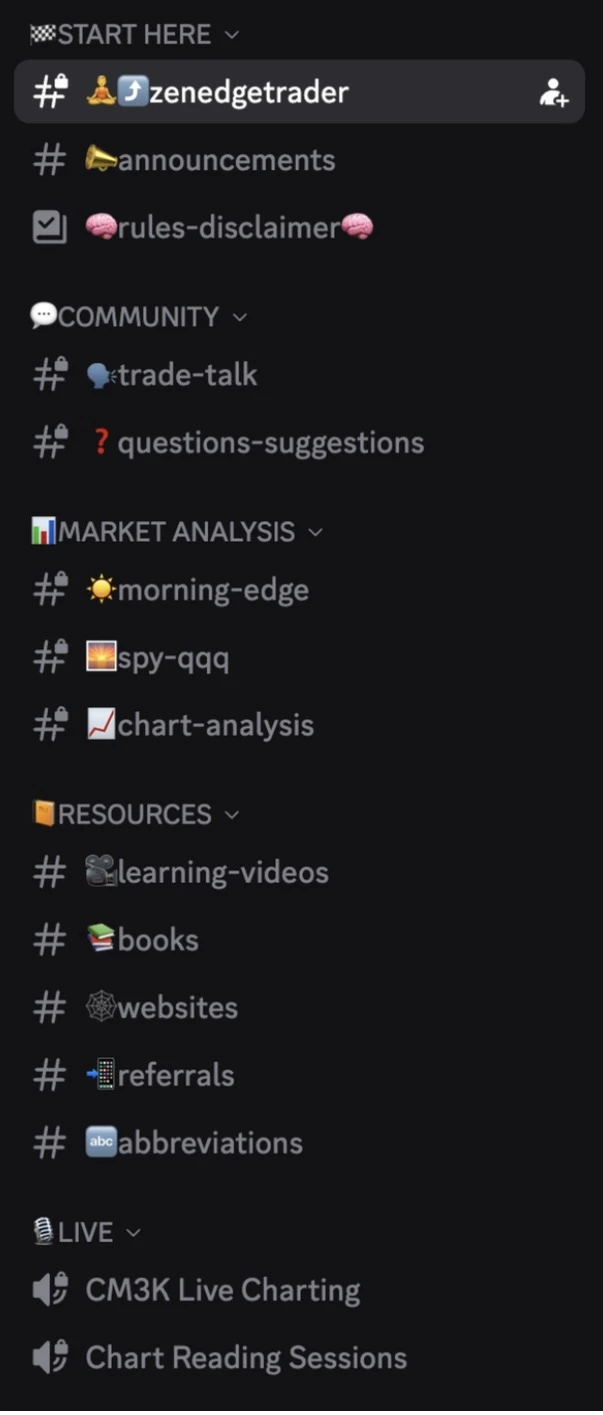
aThe channels an Edge Pass member sees. Edge Builder and Edge for Life open two more. 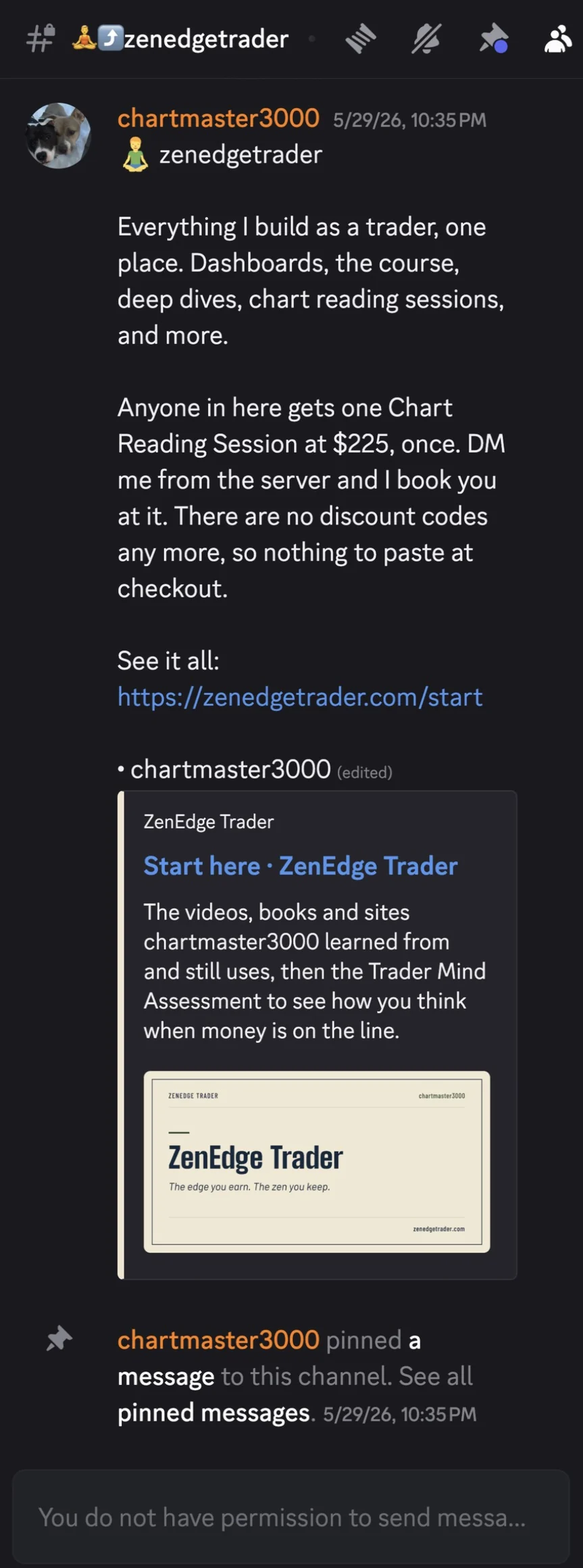
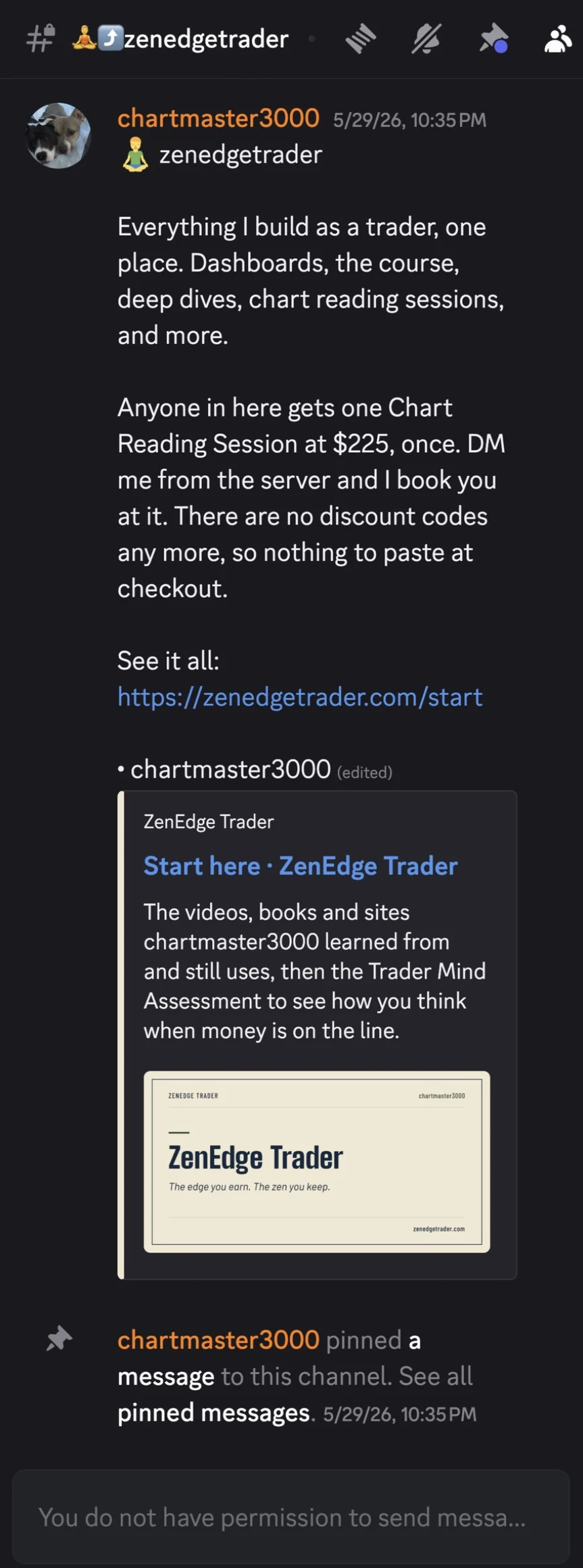
bStart in zenedgetrader, first in your list. The link goes to the videos, books and sites I learned from and still use. 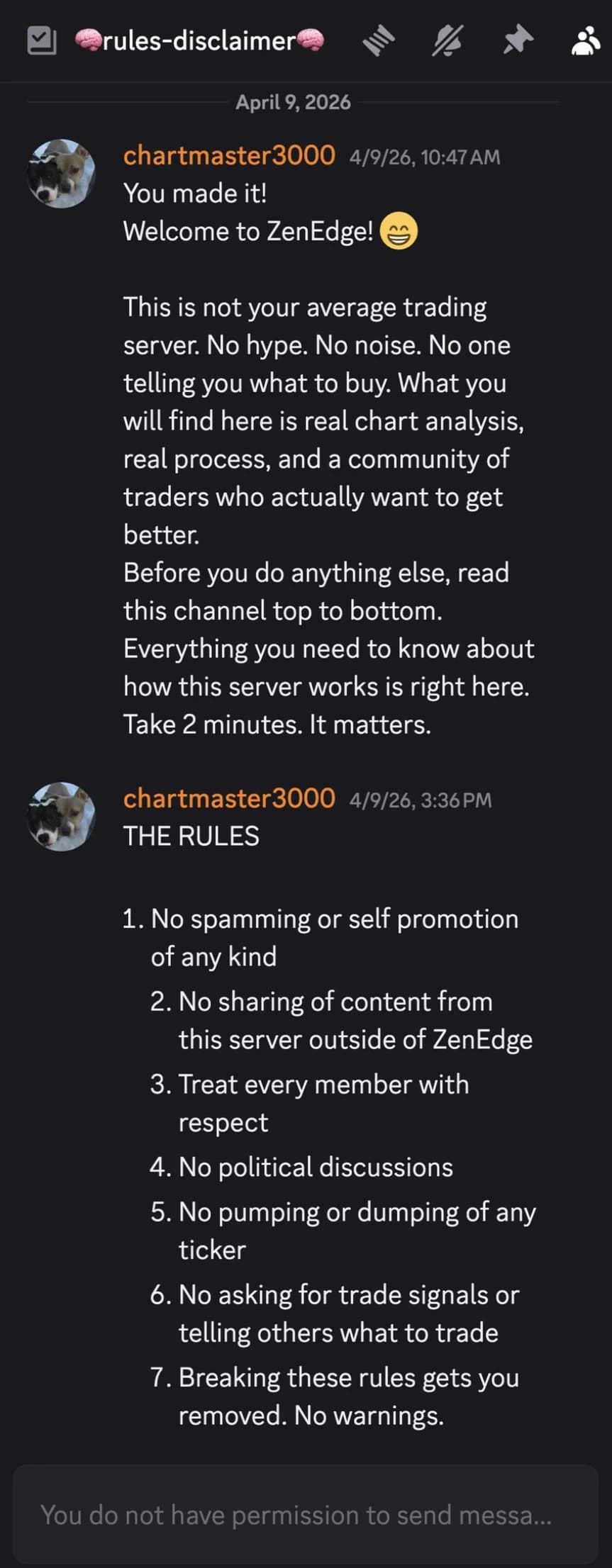
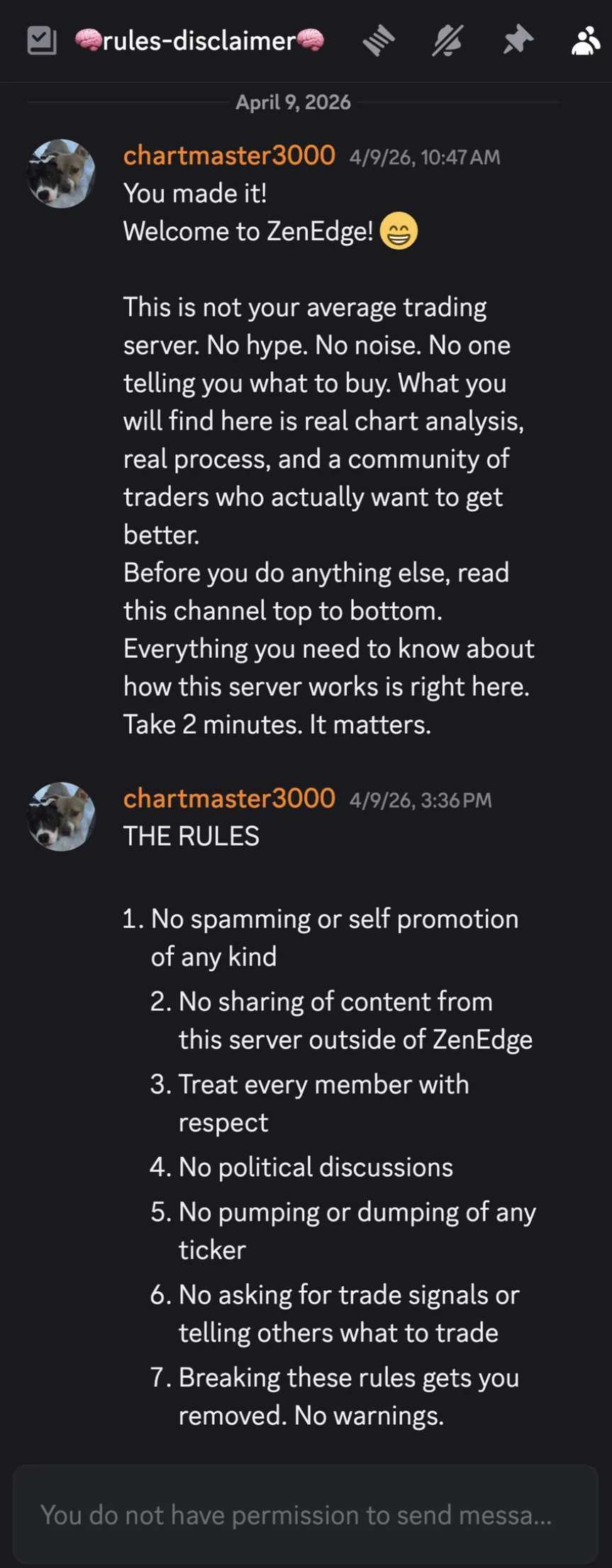
cThen open the rules and disclaimer channel. Read it top to bottom before you post.
Stuck on a step? Write to gvillacapital@gmail.com and say which step, and I'll sort it out with you.